Restore universe YCQL data
You can restore YugabyteDB universe YCQL data from a backup as follows:
-
Open your universe and then select Backups.
-
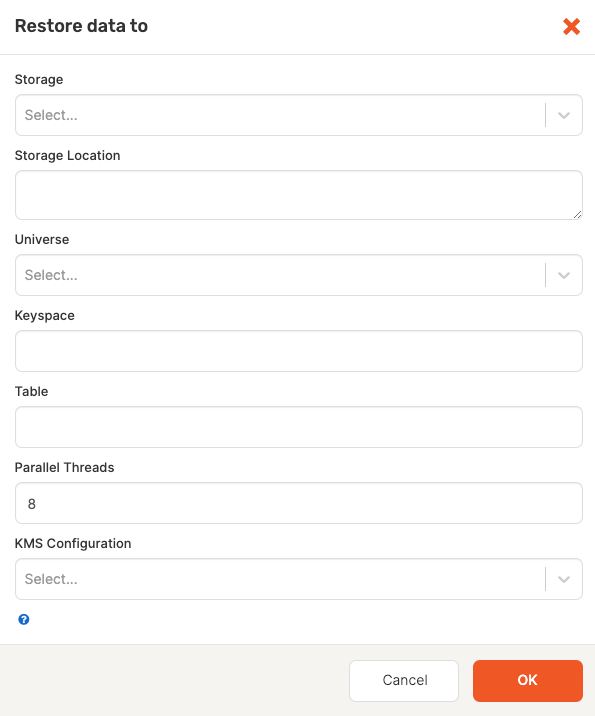
Click Restore Backup to open the Restore data to dialog shown in the following illustration:
-
Enter the following information:
- Storage Select the storage configuration type:
GCS Storage,S3 Storage, orNFS Storage. - Storage Location: Specify the storage location.
- Universe: Select the YCQL universe to restore.
- Keyspace: Specify the keyspace.
- Table: Specify the table to be restored. Notee that the table name must be different than the backed up table name.
- Parallel Threads: Default is
8. This value can be changed to a value between1and100. - KMS Configuration: Optionally, if you are restoring data from a universe that has, or previously had, encryption at rest enabled, then you must select the KMS configuration to use so that the universe keys referenced in the metadata file can be retrieved. If the universe was previously encrypted at rest, but is not currently, then the retrieved keys assure that any existing files can be decrypted. The retrieved keys are used to build and augment the key registry on the restore universe with the required universe keys. The universe data files are restored as normal afterwards.
- Storage Select the storage configuration type:
-
Click OK.
The restore begins immediately. When finished, a completed Restore Backup task appears in the Tasks tab.
-
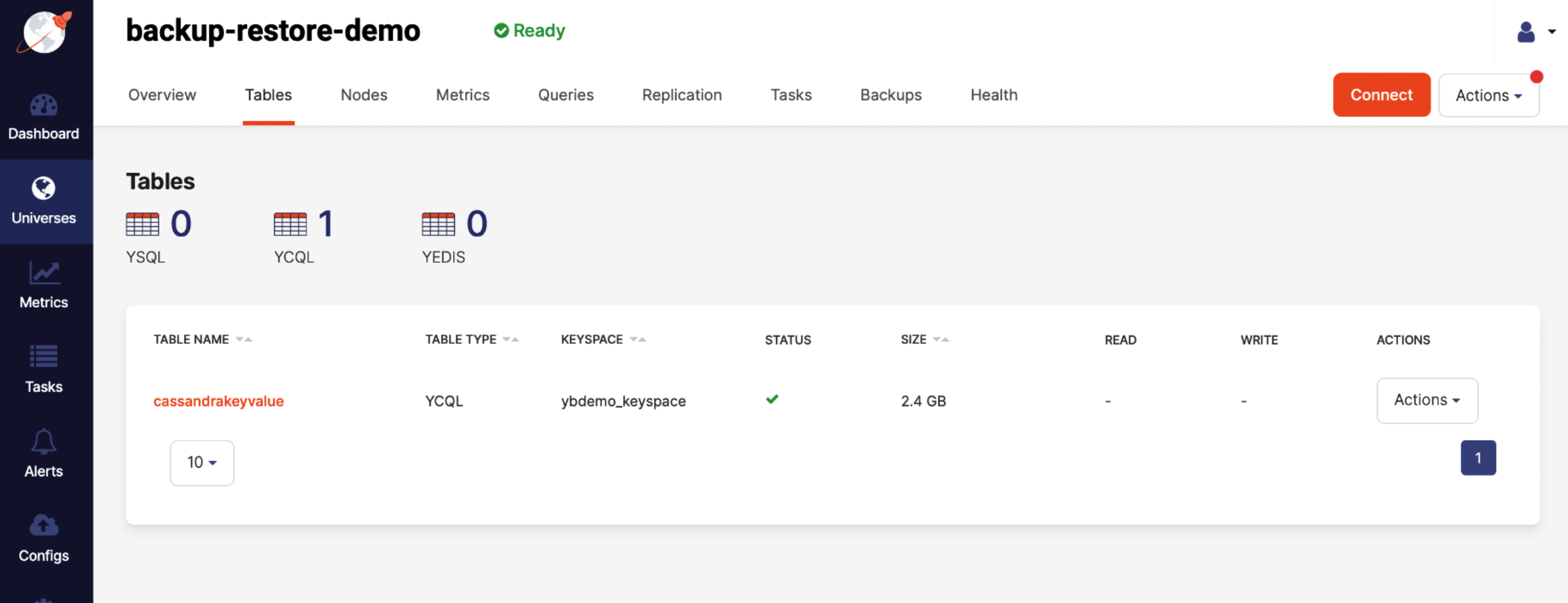
To confirm that the restore succeeded, select the Tables tab to compare the original table with the table to which you restored, as per the following illustration: