Restore universe YSQL data
You can restore YugabyteDB universe YSQL data from a backup as follows:
-
Open your universe and select Backups.
-
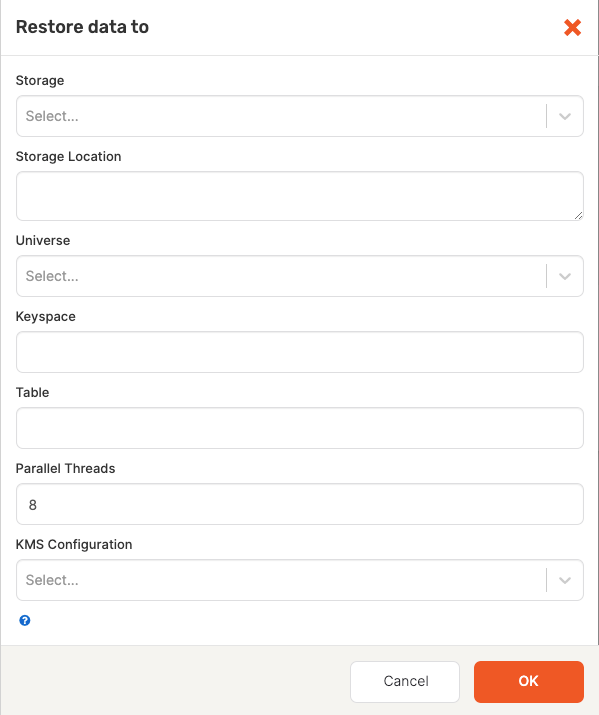
Click Restore Backup to open the Restore data to dialog shown in the following illustration:
-
Complete the following fields:
- Storage: Select the storage configuration type:
GCS Storage,S3 Storage, orNFS Storage. - Storage Location: Specify the storage location.
- Universe: Select the universe to restore.
- Keyspace: Leave blank. This is used for YCQL data only.
- Table: Leave blank. Backup and restore of YSQL data is for full universe data only.
- Parallel Threads: Default is
8. This value can be changed to a value between1and100. - KMS Configuration: Optional, if the backup was from a universe that has encryption at rest enabled, then select the KMS configuration to use.
- Storage: Select the storage configuration type:
-
Click OK.
The restore begins immediately. When finished, a completed Restore Backup task appears in the Tasks tab. -
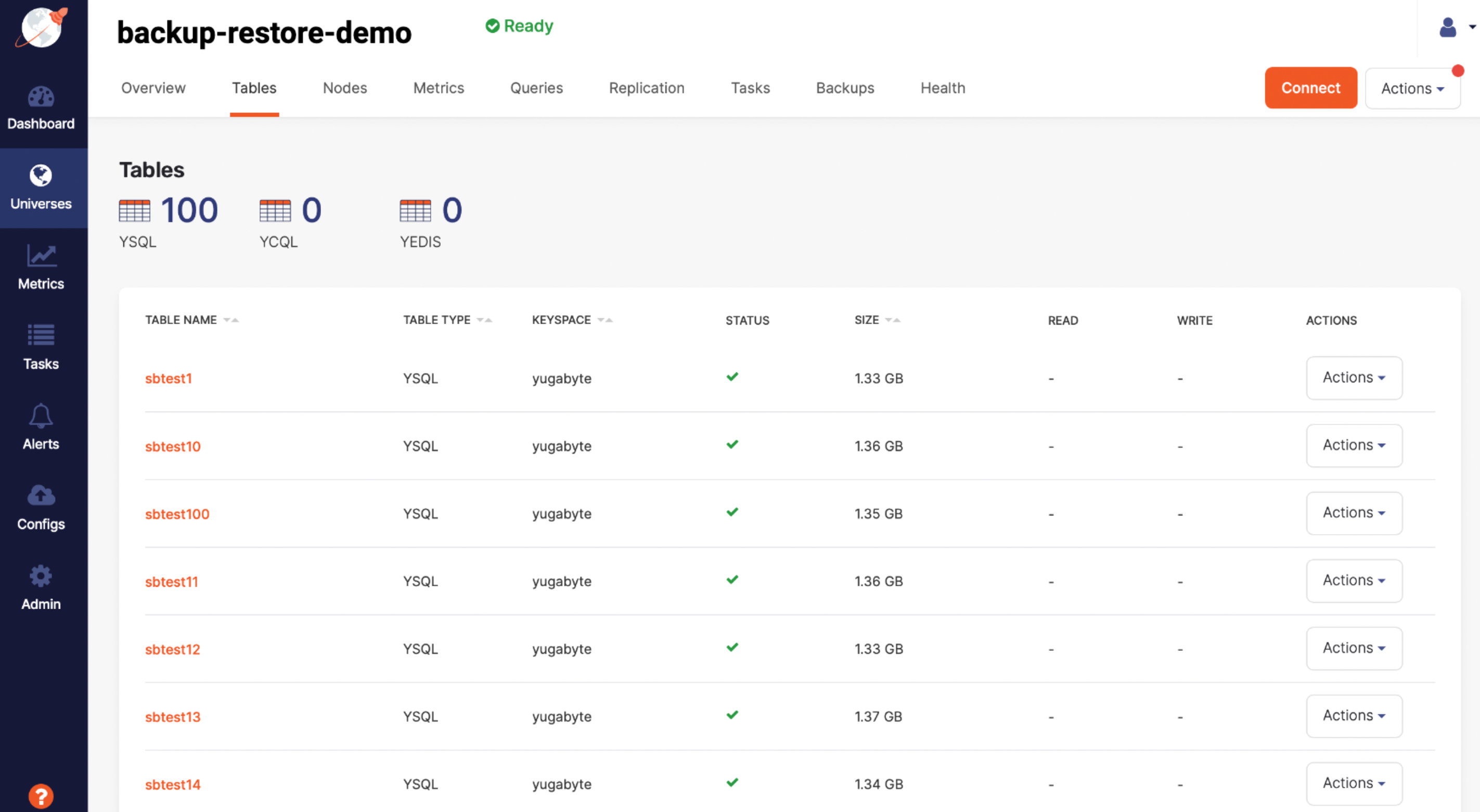
To confirm the restore succeeded, select Tables to compare the original table with the table to which you restored, as per the following illustration: